VectorPorter
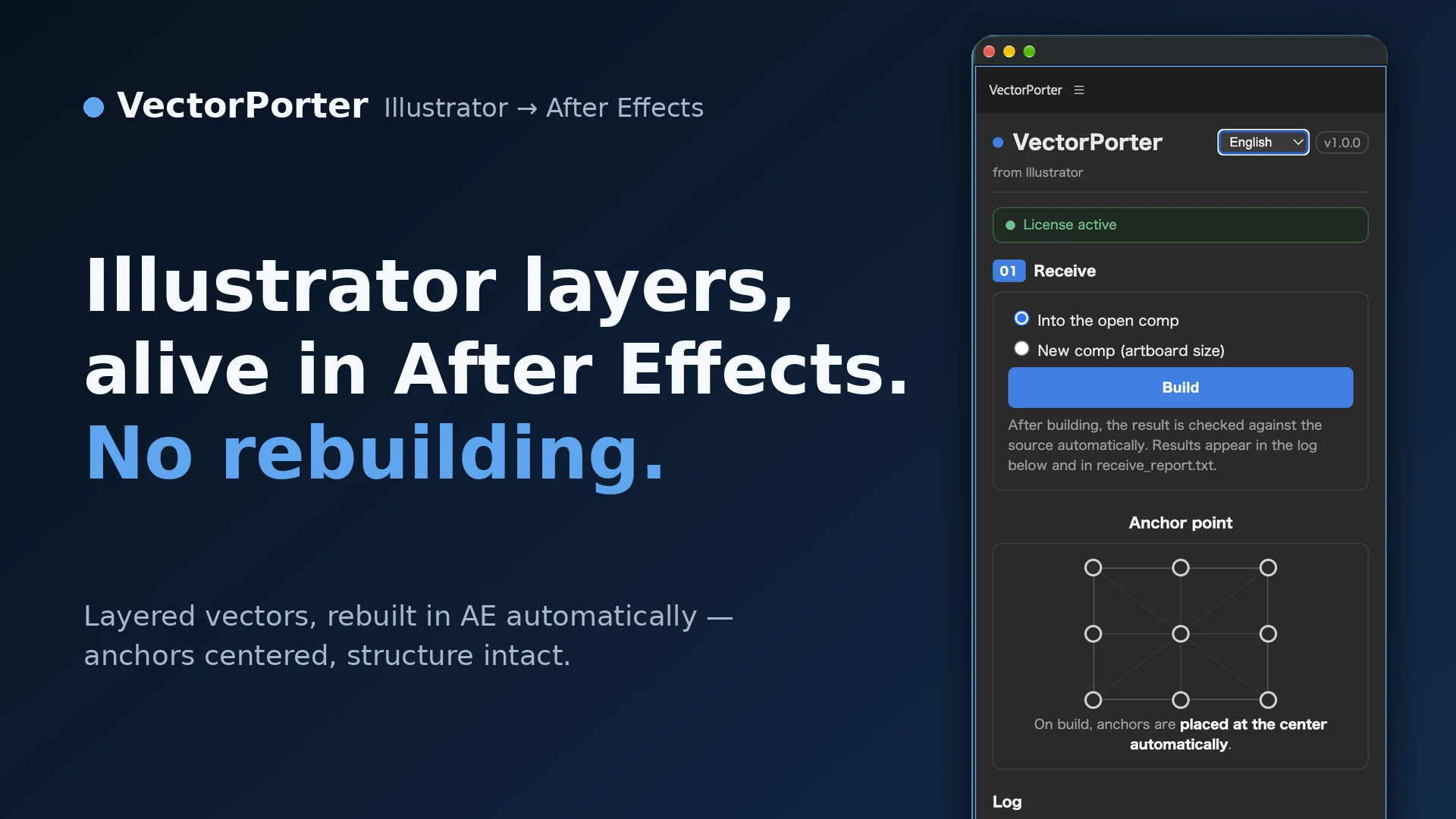
(English / Japanese)Pass your Illustrator layers straight into After Effects and have them rebuilt automatically. No more rebuilding by hand.
v1.0.0 / Illustrator 2020 or later + After Effects 2021 or later / macOS & Windows
Your download link and license key arrive in your order confirmation email. One license covers up to 2 computers.
Overview
Your Illustrator artwork, prep work and all, straight into AE shape layers. You want to animate something you drew in Illustrator in After Effects. But every time, things break when you copy and paste, you burn time splitting layers, and you hesitate over text you don't want to outline.
VectorPorter is a transfer tool that automates even the "prep work" standing in the way of the transfer. Your original file is never modified: everything happens on a duplicate — cleanup, ungrouping, name tidying, and splitting into one layer per item — before it is sent, so in AE your shape layers line up "ready to animate" from the start. After the transfer, every layer is read back and verified, so you can check in a report that everything arrived correctly.
Who It's For
- You want to animate Illustrator artwork or logos in After Effects
- You're struggling with shapes breaking from manual copy-paste, or distortion and color shifts via SVG
- Splitting into one layer per item for AE is eating your time
- You want to hand text to AE still editable, without outlining it
- You want to send projects with multiple artboards to AE in one go
Features
Prep Is Automatic, Originals Untouched
Prep always happens on a duplicate (filename + _forAE); your original file is never modified. Removing unneeded elements, ungrouping, tidying names, and splitting into one layer per item are all automatic. Appearances are expanded before sending, so the look is preserved.
Protect Groups You Want to Keep with "!!"
Ungrouping is all-at-once, but a group whose name starts with "!!" is not ungrouped and reaches AE as a unit. Clipping groups are also protected automatically, so their masks don't break.
Original Groups Become AE Label Colors
The group structure from before ungrouping is recorded as "blocks", and on the AE side each block gets its own layer label color. Even with more than 100 layers lined up, you can see at a glance which parts belong together.
Vectors Stay Vectors
Supports paths, compound paths (holes reproduced correctly), dashed lines and blend modes. Gradient fills are transferred as actual gradients, not approximated to a flat color.
Text Stays Editable
Both point text and area text arrive as editable text, never outlined. Font, size, color, leading, rotation and alignment are carried over.
Masks, Images and Multi-Artboard Batches
Clipping masks are reproduced as AE layer masks. Linked images are imported as footage with their position, scale and rotation. Multiple artboards can be transferred in one batch, with a composition generated automatically for each board.
Full Verification After Transfer (VERIFY)
Every layer built is read back and checked against the original data — vertices, colors, opacity and more. If even one item doesn't match, the report says so.
Anchors Centered Automatically, Fine-Tuned on a 3×3 Grid
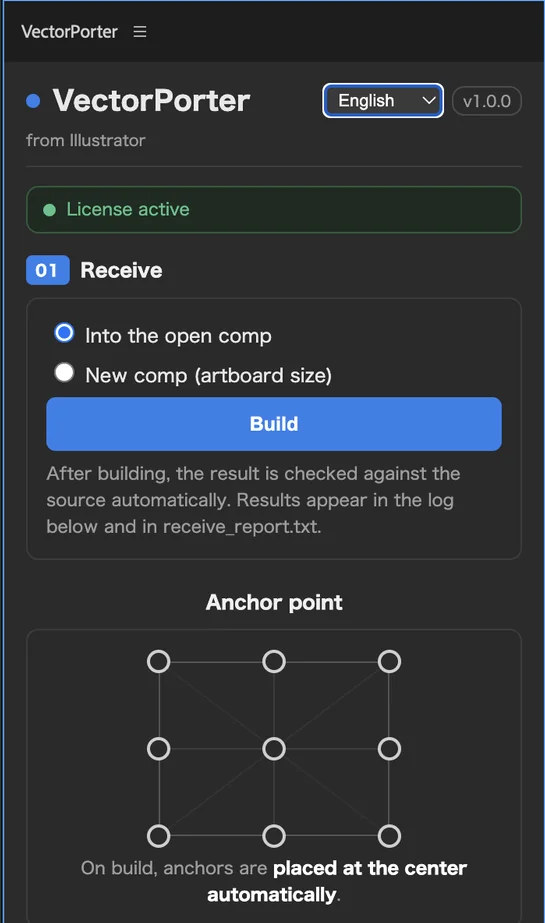
Anchor points of built layers are placed at the center automatically, with positions compensated so the artwork doesn't move. If you want to change one later, the AE panel's 3×3 grid moves it wherever you like.
What It Can't Do, It Flags Honestly
Elements it can't handle are never guessed at; they're shown as flags in the report. For example, gradient strokes are approximated with a flat color (the first color), and that fact is recorded.
Screenshots
Requirements
- Software
- Adobe Illustrator 2020 or later + Adobe After Effects 2021 or later (both are required)
- OS
- macOS (Apple Silicon & Intel) / Windows 10 & 11
- Format
- CEP panel (open it from Window > Extensions > VectorPorter in both apps)
- Languages
- Japanese & English
- License
- One license covers up to 2 computers. Version 1.x updates are free.
* The handoff is a single local file. Nothing is uploaded to the cloud. Activation is done once, in the Illustrator-side panel.
FAQ
Is text outlined?
No. Both point text and area text arrive in AE as editable text. Font, size, color, leading, rotation and alignment are carried over.
How do I receive my license key after purchase?
Your order confirmation email contains the download link and your license key. Enter the key in the panel to activate — this first activation is the only step that needs an internet connection. Download links can be reissued free of charge within 30 days of purchase.
How many computers can I use it on?
One license can be activated on up to 2 computers. Activation is done online the first time only. After activation, you can keep using it offline, with no expiry. When you replace a computer, deactivate it from the old computer's panel to free up the slot.
Can I return or cancel my purchase?
You can cancel as long as the download has not started and your license key has not been issued. For details, see the Act on Specified Commercial Transactions (Japanese). (The Japanese version is the authoritative text.)
One-time purchase. Your download link and license key arrive in your order confirmation email.