Coming from
remove.bg?
remove.bg's standalone service — including its desktop app and Photoshop plugin — ends on 1 December 2026. CutPorter is the replacement that stays inside Photoshop: drop in a folder of product photos and it removes the backgrounds and exports them at one uniform size, entirely on your computer. No uploads. No per-image credits. No subscription. $31, one-time purchase.
Local processing · No credits · Stays in Photoshop — instead of moving your cutouts into Canva.
One license covers up to 2 computers / Photoshop 23.3 or later / macOS & Windows
See CutPorter — $31, one-time purchase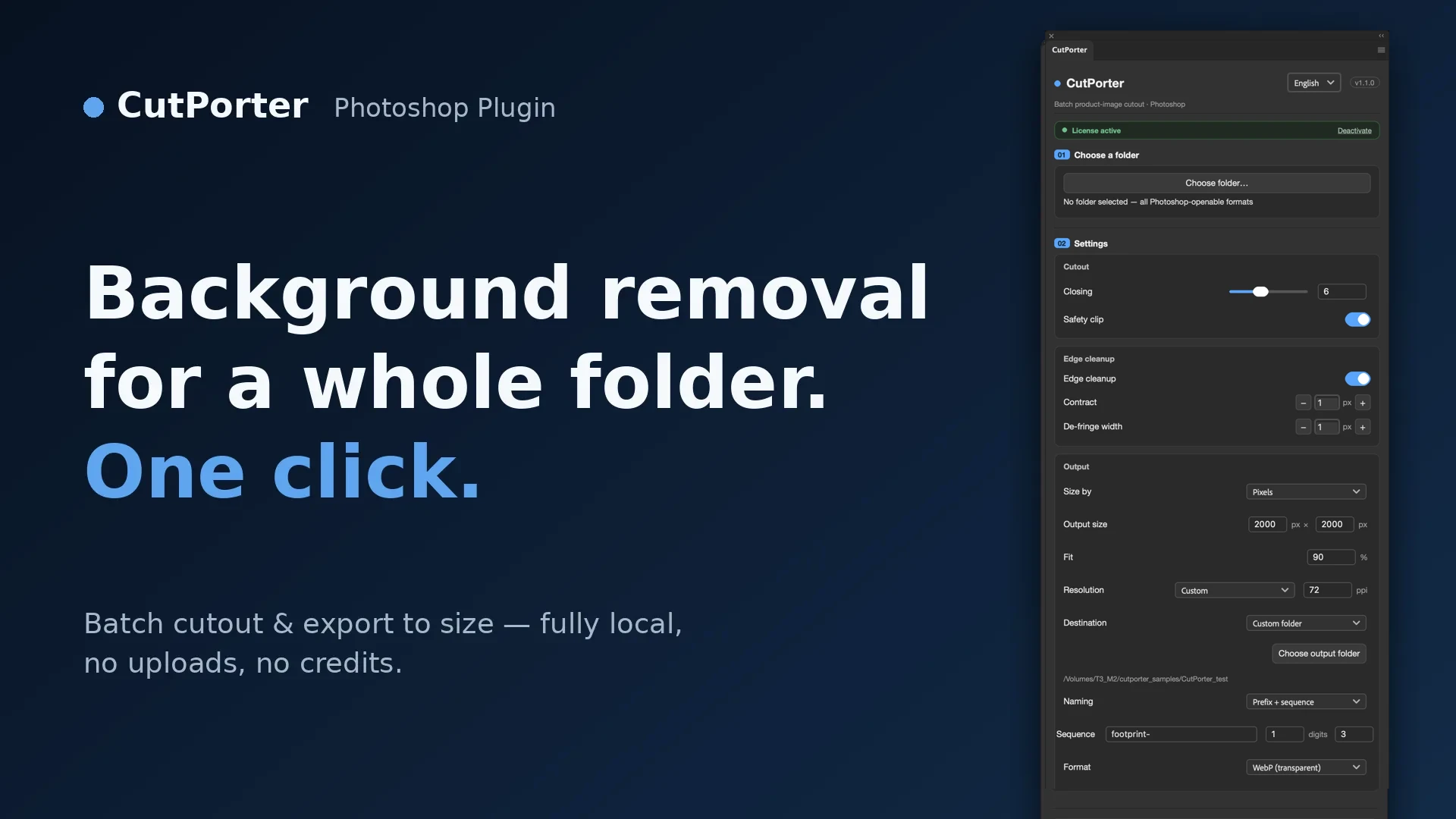
Why Photoshop's built-in tools alone aren't enough
Photoshop can remove a background. For one image at a time, that is sometimes enough. What it doesn't give you is volume and uniformity.
Batch
With dozens of product photos, opening, removing, and exporting one by one is the work itself. CutPorter takes the whole folder at once.
Uniform specs
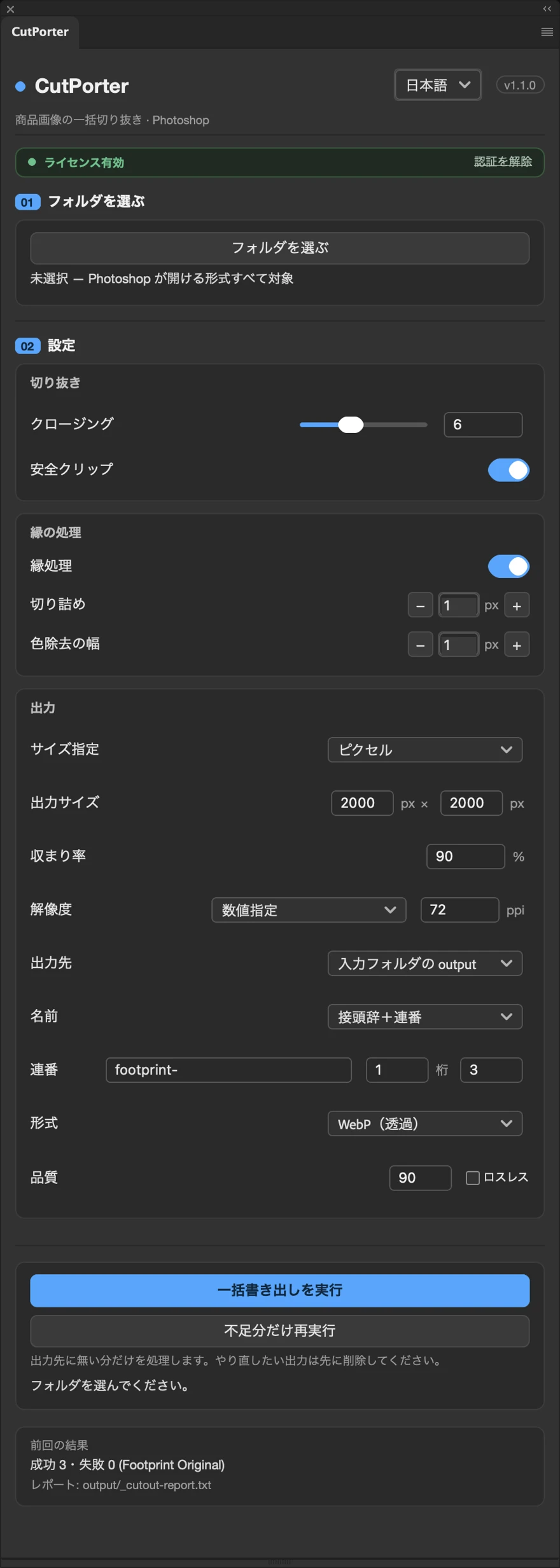
Listing images need to match — same size, same subject fit, same format. Manual work leaves variation from image to image. CutPorter exports every image to the specs you set (2000×2000, 85% subject fit by default).
Rework
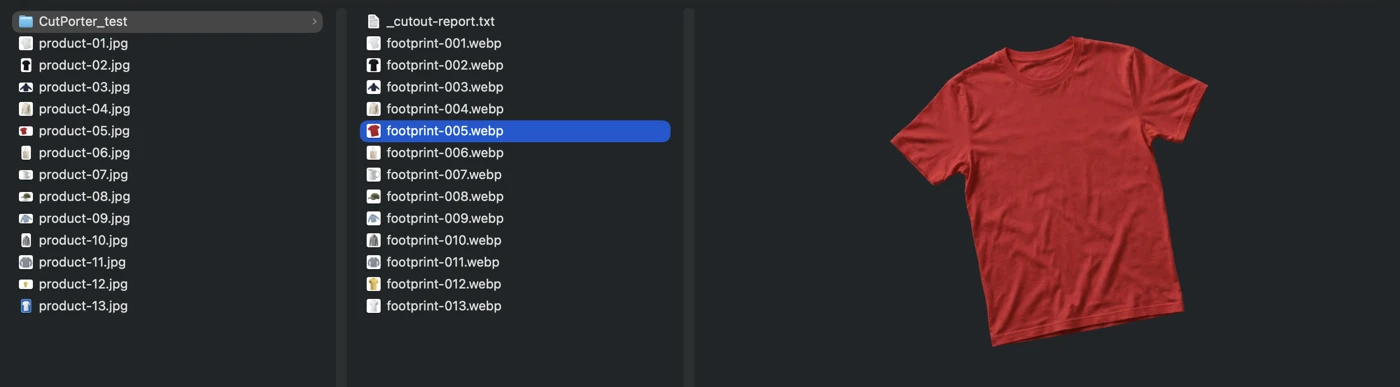
The measured run processed 13 images in 1 minute 11 seconds (on an M1 Max). And when something is missing, you re-run only the missing images instead of starting over.
Comparison — as a remove.bg alternative
| CutPorter | Photoshop built-in | Canva (where remove.bg moves) | |
|---|---|---|---|
| Where it runs | Inside Photoshop | Inside Photoshop | Browser / inside Canva |
| Batch | Whole folder at once | One image at a time | Upload and process |
| Your images | Local only, never uploaded | Local | Sent to the cloud |
| Pricing | $31, one-time | (within your Photoshop plan) | Subscription / credits |
| Uniform output | Size and fit set once, applied to all | Set per image | Template-dependent |
* After remove.bg's standalone service ends, read its column as "ends 2026-12-01".
Migrate in 3 steps
- Buy CutPorter and install it in Photoshop ($31, one-time).
- Pick the folder of product photos. Check the output size (2000×2000 by default) and subject fit (85% by default).
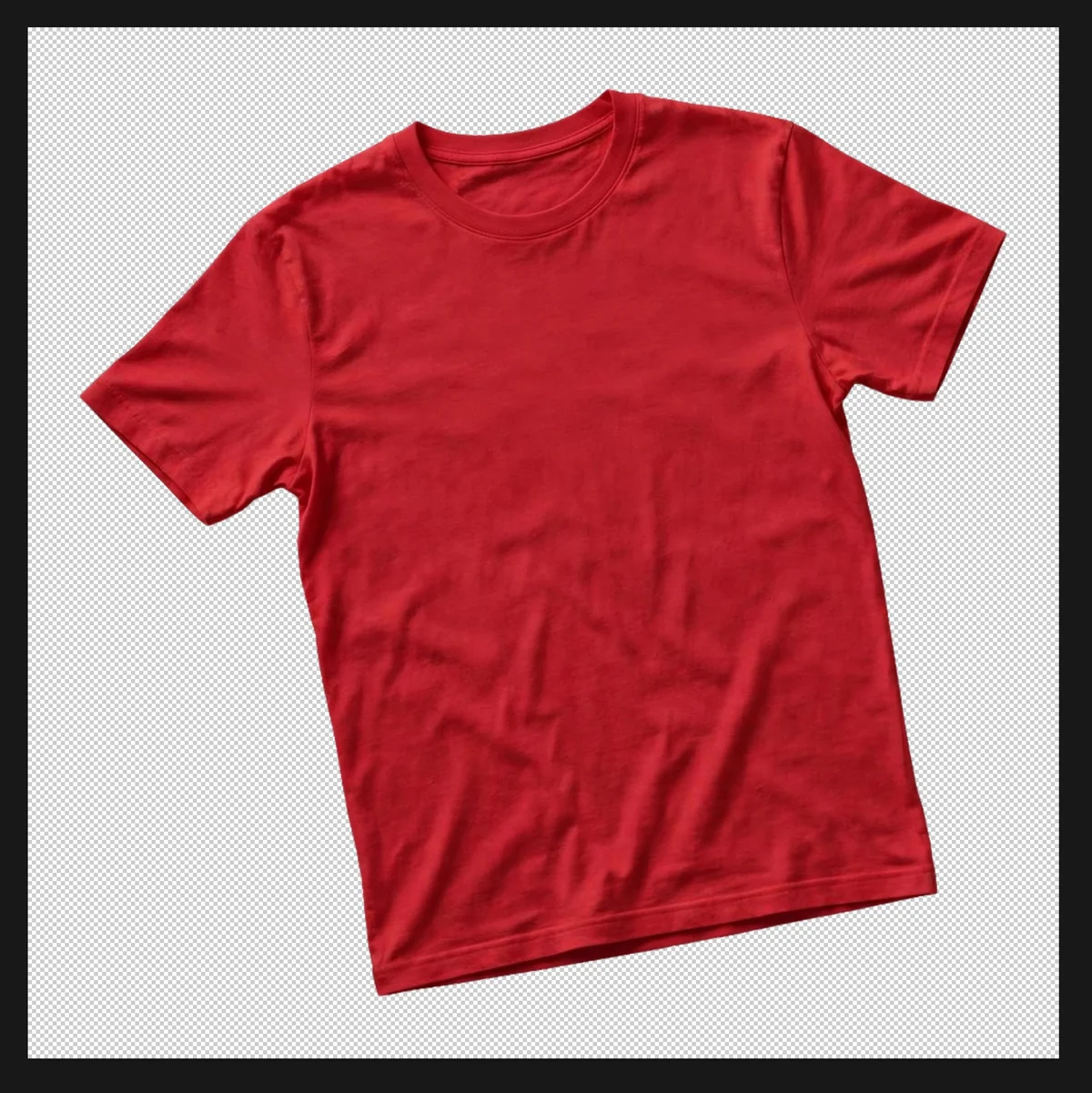
- Run it. Cut-out images are exported to the folder in the specs you set. Your originals are untouched.
Measured
- 13 product photos in 1 minute 11 seconds (M1 Max, 2000×2000, transparent WebP)
- Export format is selectable: PNG or WebP
Screenshots
FAQ
When does remove.bg end?
remove.bg's standalone service — including its desktop app and Photoshop plugin — ends on 1 December 2026. Its background removal moves to Canva.
Is CutPorter a remove.bg alternative?
Yes. CutPorter runs inside Photoshop, removes backgrounds from a whole folder of product photos at once, and exports them at one uniform size and spec — no need to move to Canva.
Are my images sent to the cloud?
No. Cutouts are processed with Photoshop's own AI, and everything stays on your computer.
How much does it cost?
$31, one-time purchase. No per-image credits and no subscription.
Can't Photoshop remove backgrounds by itself?
It can, one image at a time. CutPorter adds whole-folder batch processing and uniform specs — size and subject fit applied identically to every image.
How many computers can I use it on?
One license covers up to 2 computers. See the CutPorter product page for details.
One-time purchase. No per-image credits, no subscription.
See CutPorter — $31, one-time purchase